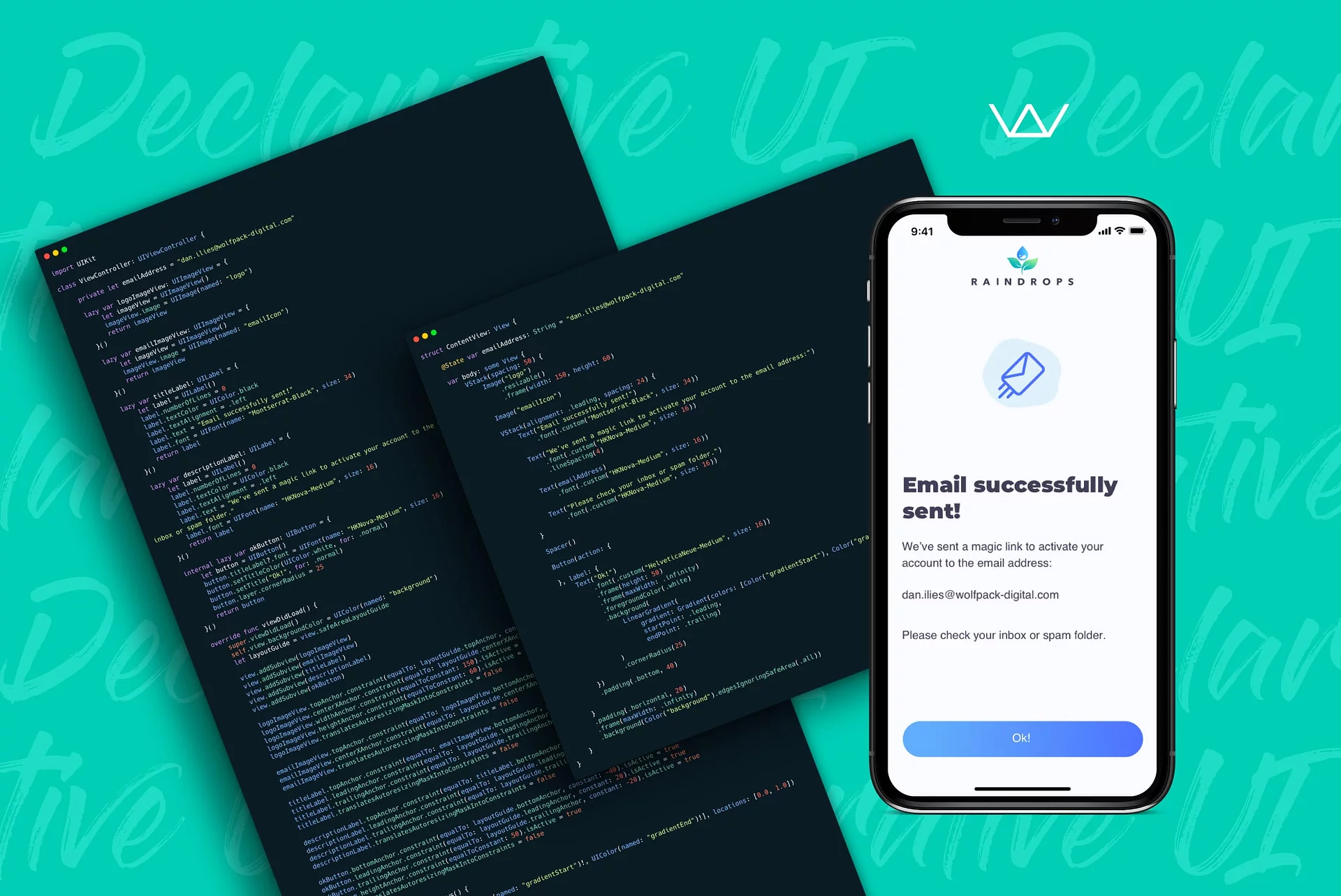
Declarative UI: How SwiftUI, UIKit, and Compose Build Mobile Apps

Vica Cotoarba
Head of Engineering
Reading time: 4 min
Updated: Jul 2, 2026
Key takeaways
- Declarative programming describes what the UI should look like, while imperative programming spells out every step to build it.
- SwiftUI (2019, iOS 13) is Apple's declarative framework; UIKit is the older imperative one that has existed since iOS 2.
- Declarative UI code is shorter, enforces a single source of truth, and makes components easy to reuse.
- Jetpack Compose is now stable and the recommended standard for new Android UI; React Native and Flutter are also declarative and state-driven.
- The core idea is UI = f(state): change the state and the framework redraws the interface for you.
Mobile apps are here to stay, and that has led to a steady stream of new frameworks and tools for building them. Today we focus on the UI side, because a real paradigm shift is happening in how we build app interfaces.
That shift moves us from imperative programming to declarative programming. Before we dive in, let us define what declarative UI actually means.
What is declarative programming?
Declarative programming is a paradigm that describes the desired end result and how it should look. It does not list every execution step. In short, it expresses the outcome, not the control flow.
The more familiar imperative paradigm does the opposite. It spells out a step-by-step path to the result, with instructions that keep changing the program state.
Enough theory. Let us look at some examples.
A simple example
Here is a cute comparison:
- Imperative is like writing a recipe with step-by-step instructions: mix 100g of flour with two eggs, then stir the mix, and so on.
- Declarative is like naming the dish you want: chocolate muffins.
Again, it comes down to how versus what.
SwiftUI vs UIKit: how versus what
One of the clearest comparisons is SwiftUI vs UIKit, since both live on iOS. UIKit is the traditional, well-established framework. SwiftUI is the newer approach with a different style.
Let us build the same custom screen with each one. We will use a simple confirmation screen from our app Raindrops.

First, let us see the UIKit approach, taking the programmatic way without Xibs or a Storyboard.
UIKit code sample

The imperative approach creates an instance for each UI element and mutates it until the design is right. Then you add all the layout constraints by hand.
Now it is time for the SwiftUI version.
SwiftUI code sample

The declarative approach states a blueprint up front with all the setup it needs. You do not start from base instances and mutate them.
That does not mean the UI cannot change. When you update an element, the framework redraws everything to match the new blueprint.
The SwiftUI example needs far less code. Let us look at them side by side.


SwiftUI shipped in 2019 with iOS 13, while UIKit has been around since iOS 2. Newer does not always mean better, but the declarative style brings clear advantages:
- The syntax is shorter and cleaner, so you build faster.
- You cannot change the UI from many places, since each component has a single source of truth.
- UI elements are easy to reuse and compose. Maybe that is why Google named its framework Jetpack Compose.
Changing how you write code is hard. But when did anything great come easy?
What about other platforms?
A few paragraphs above, you saw a shy reference to Jetpack Compose. It is Google’s counterpart to SwiftUI, built on Kotlin.
Jetpack Compose is now stable and the recommended standard for new Android UI. Google’s own sample apps, architecture guides, and new libraries are Compose-first, so it is a safe choice for new projects. On iOS, SwiftUI has matured into a solid default for many apps too, though plenty of teams still mix in UIKit where it helps.
This article would not be complete without React Native and Flutter, two of the most popular cross-platform frameworks. Both started with a declarative, state-driven UI approach.

Image source: Flutter.dev
A simple formula captures the idea: UI = f(state), where f is the build method. Change the state, for example by flipping a switch, and the UI redraws based on f and the new state. Since these frameworks have no imperative alternative, we will not share more code examples here.
Declarative UI takeaways
Declarative programming is here to stay. Apple and Google set the trends in mobile app development, since they own the leading operating systems. Both invest heavily in declarative UI frameworks, so their direction is clear. The community will decide in the end, but these tools are off to a strong start.
About the author:
Dan is the Head of Mobile Development at Wolfpack Digital and aims to bring value to the world in areas like programming, fitness, and personal development. Dan likes to push technologies to the limits and to create exciting products that change people’s lives for the better but are also beautiful in their own way. He is a very competitive person who loves challenges and contests, taking them in various fields like mathematics, tennis, or even driving. Besides this, he believes that people can actually love what they do, or do what they love, and that we can enjoy life in a productive way too.